Tools · Forecast Alerts
The forecast, watched for you.
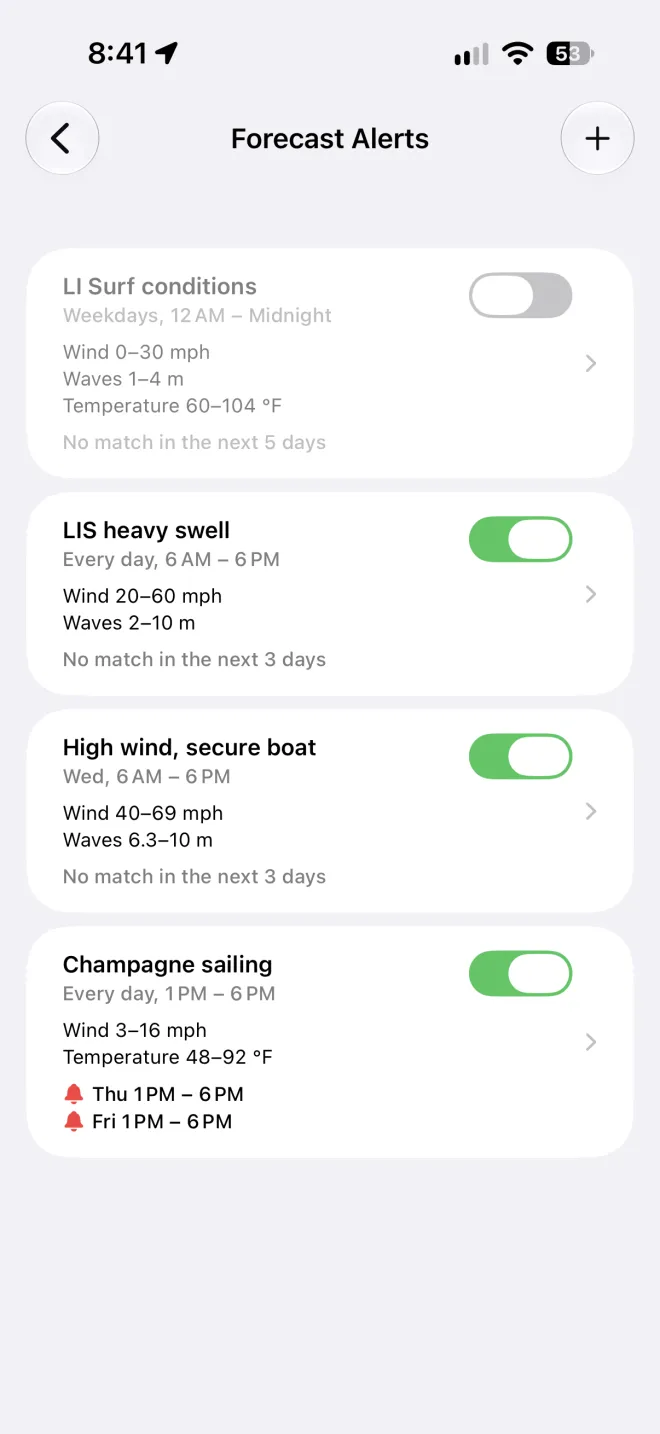
Tell OceanPulse the conditions you're waiting for at a spot. It checks every new forecast and lets you know the moment they line up, so you stop refreshing and start planning.


Your conditions
Exactly the day you're waiting for
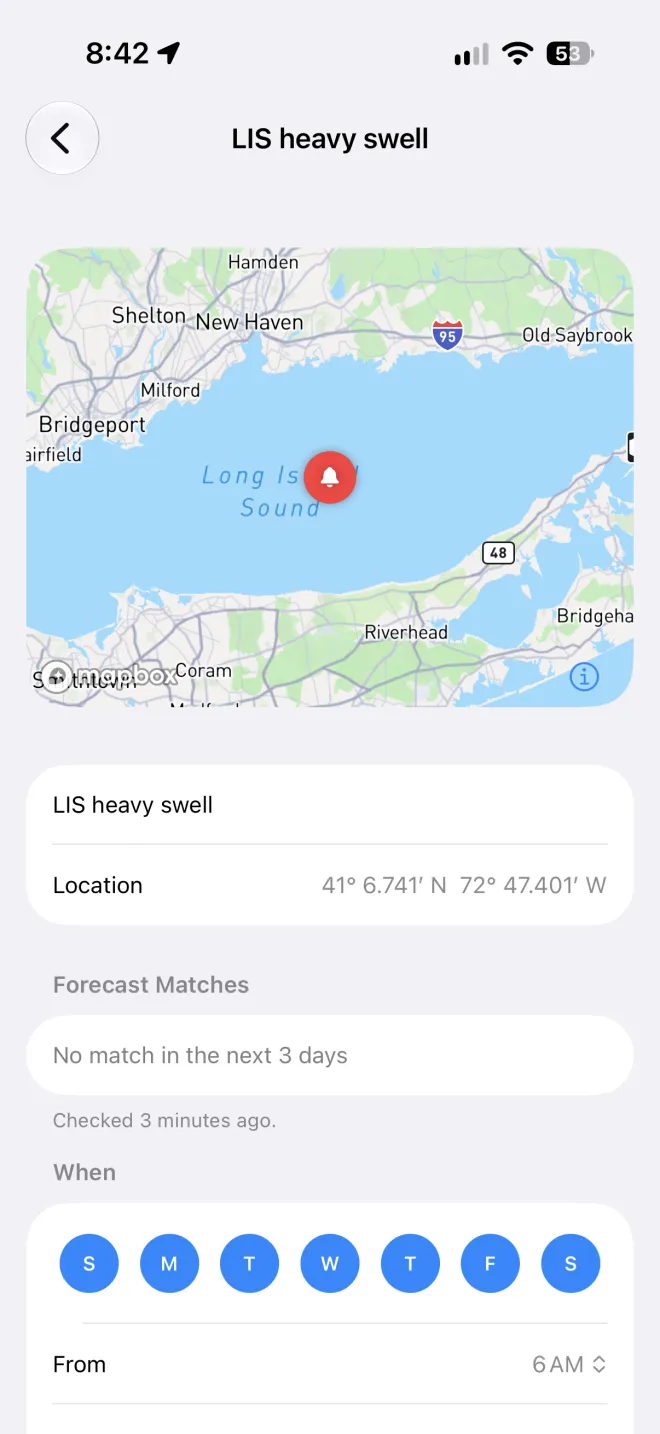
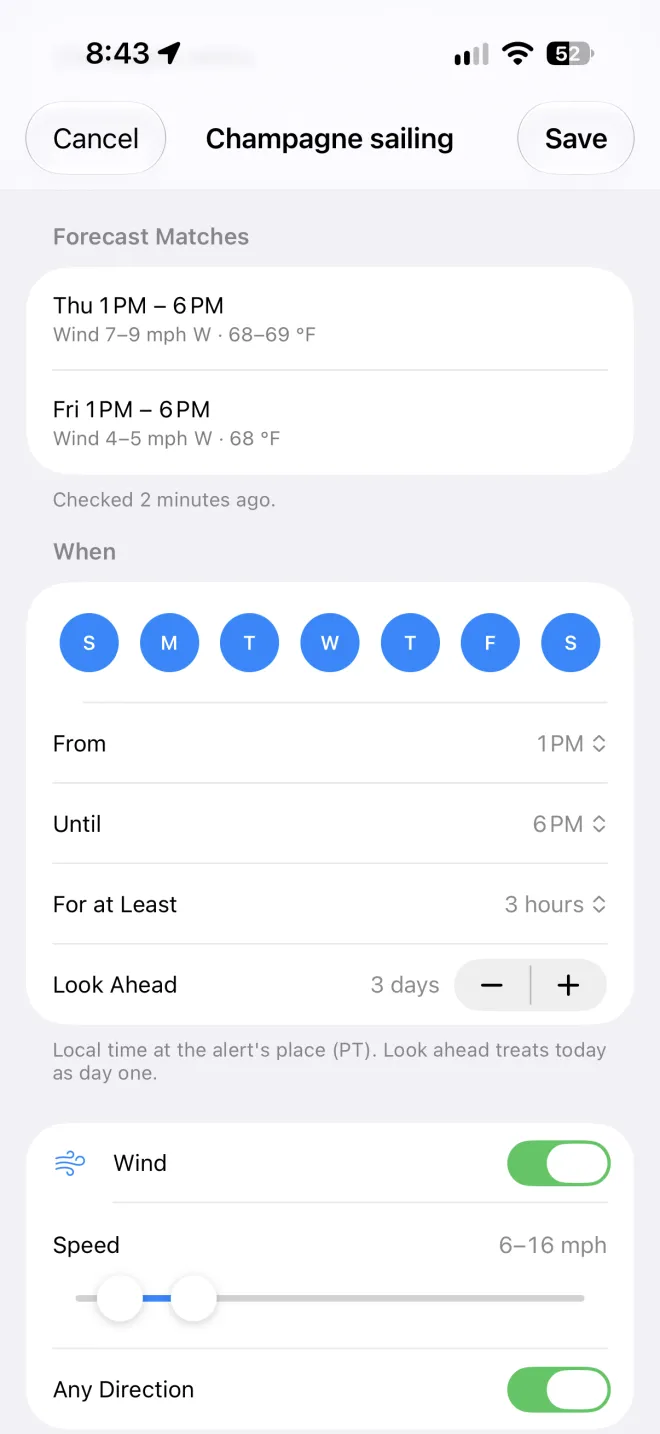
Pick any spot, then set what makes a good day there: wind speed and the directions you want it from, wave height and period, the tide, rain, cloud, air temperature, and pressure. Every condition you turn on has to hold in the same hour.
- Long enough to matter
- Ask for at least 1, 3, or 6 hours in a row, so a single good hour doesn't get you out of bed.
- On your schedule
- Choose the days of the week and the hours to watch, in the spot's own time, up to five days ahead.
- The tide, too
- Tide height comes from the nearest tide station's predictions, so a launch that needs water can wait for it.
Push or email
Told once, when it counts
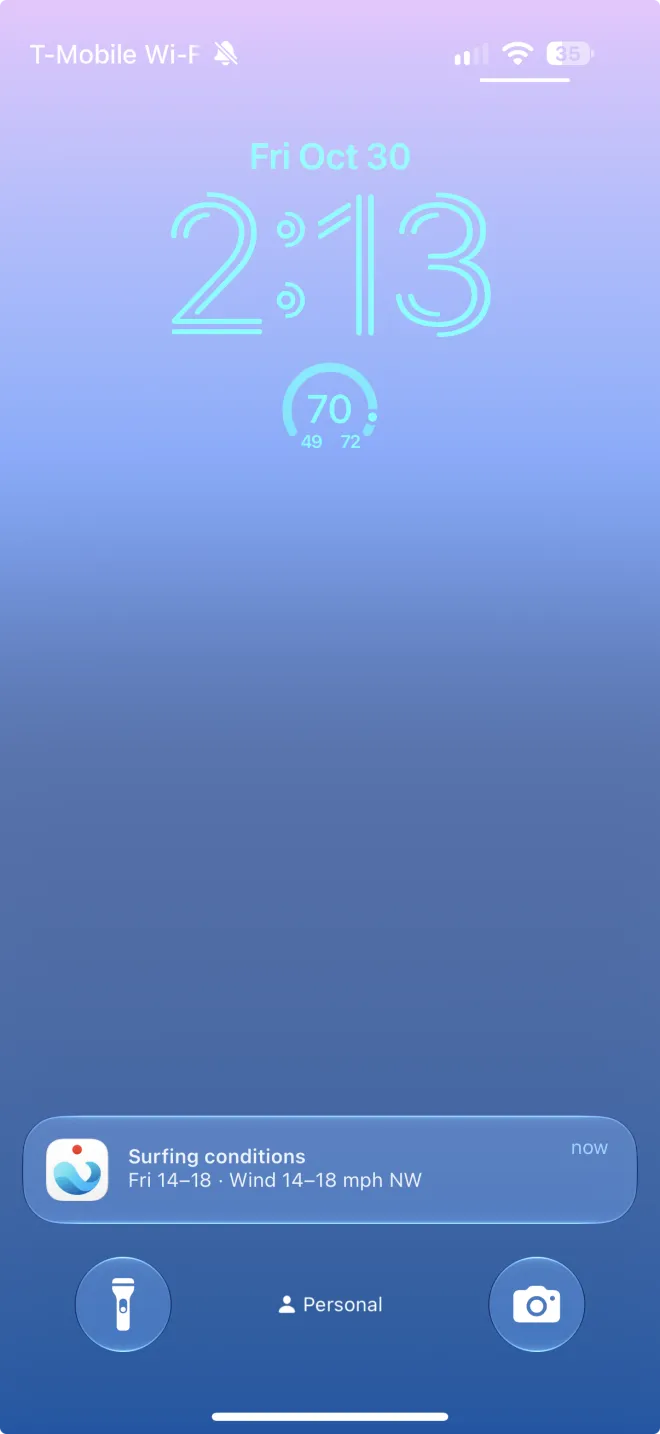
Each time ECMWF publishes a new forecast, OceanPulse checks your alerts and tells you once for each day that matches. Tap the notification and Tables & Graphs opens at that spot, on the first matching hour.
- On your phone
- A push notification the moment a day lines up.
- In your inbox
- An email with a map of the spot, the matching hours, and a calendar event to add.
- Quiet when you want
- Switch an alert off for the off season and back on later, without setting it up again.
In your forecast
Every match, where you already look
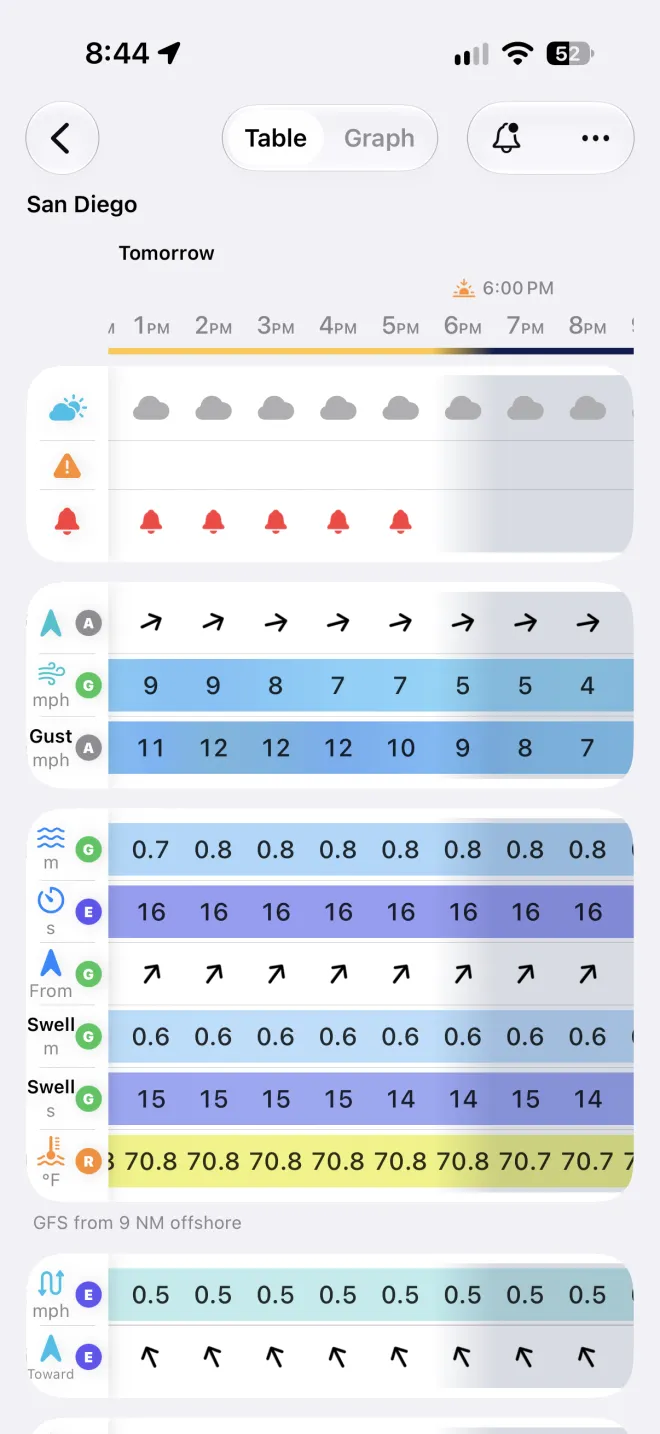
Alerts show up in the forecast itself. A red bell marks the days an alert matches in Daily Summary, and the Custom Alerts row in Tables & Graphs rings the exact hours.
User guide
Learn Forecast Alerts inside out
Set the wind, waves, tide, and weather you want at a spot, and get a push notification or an email when the forecast matches.
There's more
More from OceanPulse
- Coastal Charts Official NOAA charts for the US, the Great Lakes, and US territories, with markers, routes, and offline downloads.
- Tracks Record your trips and share them live as you go, then review, search, and export them, with distance, time, and speed for each.
- Daily Summary Ten days for every place you've saved, each split into morning, afternoon, evening, and overnight.
- Weather Maps Wind, waves, currents, sea temperature, rain, and more, animated across the whole planet three days ahead, with a split view to compare models.
- Tables & Graphs A ten-day, hour-by-hour forecast grid for any place, with Apple, GFS, ECMWF, and AIFS side by side.
- Tides & Currents Offline predictions at about 5,800 NOAA tide and current stations, with high and low water, slack, and max flood and ebb.
Ready to dive in?
Start using OceanPulse today.